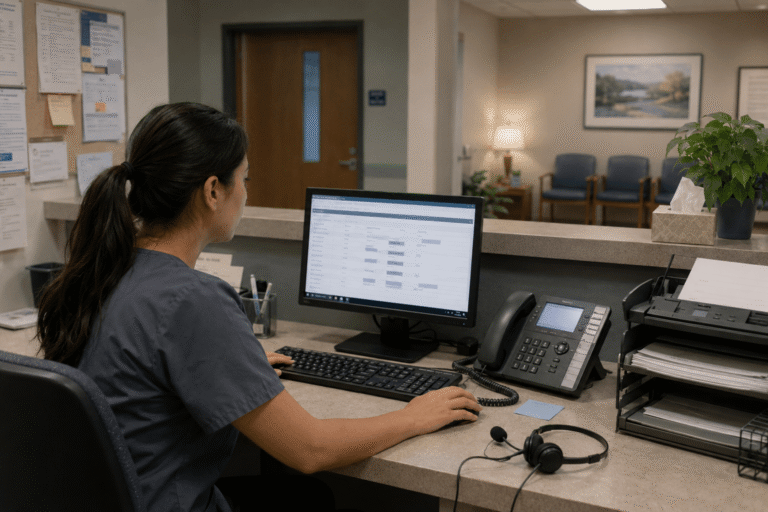
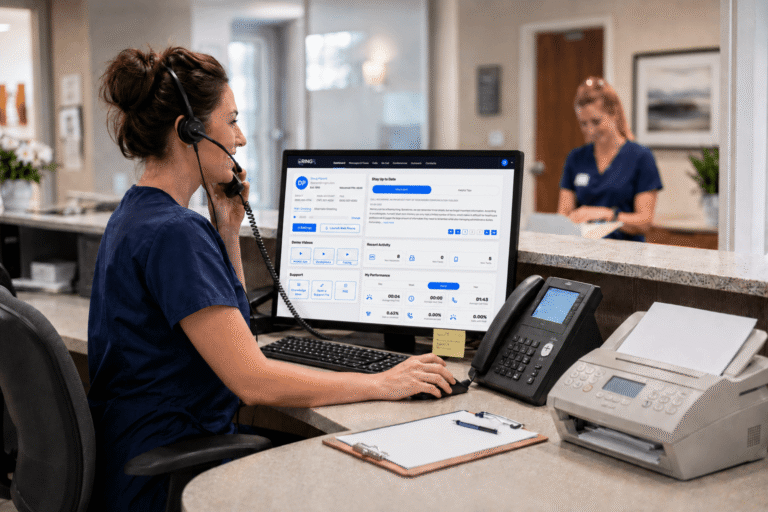
In the daily grind of a medical practice, insurance correspondence can feel like an endless paper chase forms lost in transit, delays piling up, and the nagging worry that sensitive patient data might not stay secure. Practices often find themselves juggling multiple legacy systems, leading to inefficiencies that pull staff away from patient care and create unnecessary stress during already demanding days. Yet a quiet but powerful change is taking hold across the country. More and more healthcare organizations are turning to modern, cloud-based systems that keep everything compliant, efficient, and remarkably simple. These solutions are transforming how medical offices handle their daily communications, offering a level of security and convenience that was previously out of reach while respecting the real-world demands of insurance workflows.
This transformation, as captured in recent findings on cloud fax adoption, marks a turning point for how clinics and practices handle the steady stream of claims, authorizations, and provider communications that keep care moving forward. The shift is not just about technology; it is about creating workflows that support the high demands of healthcare delivery while protecting patient privacy at every step and reducing the administrative burden that so often weighs down front-office teams.
Missed calls, scattered text messages, voicemails buried in separate apps disrupt patient care and expose practices to compliance risks. Erodes patient trust, longer waits and wasted staff time. RingRx changes that by combining voice, secure texting, fax, video visits, and on-call scheduling into one intuitive, fully HIPAA-compliant platform designed specifically for medical workflows. See how your practice can grow, run more smoothly, and deliver a better experience for every patient. Sign Up for RingRx Free Trial today!
The Enduring Reality of Fax in Healthcare Insurance
Despite years of talk about going fully digital, faxing remains a stubborn fixture in insurance workflows. Hospitals, specialists, and insurers still exchange thousands of documents this way every day because many payers still require specific formats, wet signatures, and verifiable delivery methods that electronic portals have yet to fully replace. Traditional machines and standalone services create headaches jammed paper trays, busy signals, and no reliable way to confirm delivery. For a busy medical office, these small frustrations add up to real lost time and missed opportunities, pulling valuable staff hours away from direct patient interaction.
Even with government pushes to eliminate paper-based processes, the habit persists. Insurance companies continue to demand specific formats, and many legacy systems simply aren’t ready to let go. The result is that practices spend hours chasing confirmations instead of focusing on patients. This ongoing reliance highlights the deep-rooted challenges in healthcare communication and underscores why a secure, reliable alternative has become essential for maintaining smooth operations without sacrificing compliance or speed.
Cloud Fax Steps Into the Spotlight
That’s where cloud-based options are changing the game. Based on an independent survey of 100 U.S. health system and hospital executives conducted in Q1 2026, the report finds that cloud fax has moved from emerging to established, with 40 percent of leaders reporting their organization has already adopted a cloud-based fax solution. Satisfaction runs high, and the momentum feels unstoppable as more practices recognize the practical advantages in daily use.
“There is little debate over the fact that traditional faxing has outlived its usefulness across our healthcare ecosystem, yet the process persists to this day,” said Dan D’Orazio, CEO of Sage Growth Partners. “Despite years-long government campaigns to eliminate paper-based faxing, these initiatives have not been successful, much to the disappointment of clinicians, administrators, and patients. However, our new research validates that new and better options are here and quickly gaining momentum.”
The report makes clear that newer, better tools are gaining traction fast. The broader fax services market continues to evolve as digital innovations take hold, particularly in healthcare where secure transmission is non-negotiable. This evolution brings practical benefits that practices can feel immediately in their daily operations, from faster turnaround on insurance documents to greater confidence that every transmission meets strict privacy standards.
HIPAA Compliance: Built In, Not Bolted On
For any healthcare fax solution to succeed, HIPAA compliance isn’t optional it’s the foundation. Cloud platforms encrypt transmissions end-to-end, store records securely, and maintain detailed audit trails that stand up to scrutiny during reviews. Practices no longer need to worry about whether a document left the office safely or whether it will survive a compliance review, because every step is designed with healthcare privacy in mind from the ground up.
This matters enormously for insurance correspondence. Prior authorizations, claim submissions, and appeals often contain protected health information that demands the highest level of security. A true HIPAA compliant fax service eliminates the guesswork and gives providers peace of mind that their workflow meets every regulatory requirement, allowing teams to focus on care rather than compliance paperwork.
Why Insurance Correspondence Benefits Most
Insurance paperwork has unique demands: tight deadlines, specific formats, and frequent back-and-forth with payers. Cloud fax shines here because it integrates directly into existing office routines. Documents can be sent from any computer or even a traditional fax machine, with automatic tracking and instant confirmations that remove uncertainty from the process.
Imagine submitting a batch of claims in the morning and knowing exactly which ones reached the insurer by lunchtime. No more “did it go through?” calls. No more reprinting and resending. The entire process speeds up, reducing days or even weeks from reimbursement cycles. For small and medium-sized practices especially, this efficiency translates into smoother cash flow and less administrative burnout, freeing staff to handle more meaningful patient interactions.
- Automatic delivery receipts and read notifications
- Secure storage that replaces overflowing file cabinets
- Easy integration with electronic health records
- Ability to fax directly from patient charts
- Seamless connection to broader healthcare communication tools
Addressing the Practical Concerns Head-On
Many practices hesitate to make the switch, and the concerns are understandable. Will changing systems disrupt daily operations? Is the new setup truly reliable across phone, text, fax, and routing? And how does it compare to cheaper alternatives when it comes to real HIPAA protection and value? These questions deserve straightforward answers grounded in how modern platforms actually perform in real medical environments.
The best healthcare communication platforms answer these questions with thoughtful design. Switching doesn’t have to mean downtime modern solutions offer seamless number porting and gradual rollout options that keep phones and faxes running without interruption. Reliability comes from unified systems that handle voice, messaging, and fax in one secure environment, so everything works together instead of fighting against each other. Proof of compliance is straightforward too. Leading platforms sign business associate agreements from day one and build their entire infrastructure around healthcare privacy standards.
When it comes to value, transparent pricing removes the fear of surprise bills. Practices gain not just fax capability but a full suite of tools tailored to real medical workflows virtual receptionists, after-hours routing, and secure patient texting all in one place. This unified approach directly tackles the common objections around disruption and reliability while delivering clear proof that compliance and value go hand in hand.
Real-World Impact on Medical Practices
Clinics using these healthcare fax solutions report fewer missed insurance deadlines and faster resolution of claims issues. Behavioral health providers, therapists, and primary care offices alike benefit from the ability to send and receive documents without leaving their EHR. Telehealth practices gain an extra layer of secure communication that complements video consultations and keeps all correspondence protected under the same strict standards.
The shift also supports broader patient communication goals. With integrated texting and voicemail transcription, practices can close the loop on insurance questions quickly, reducing patient frustration and no-show rates. It’s the kind of practical improvement that makes a difference in daily operations without requiring massive overhauls. From small private practices to larger clinics, the result is smoother front-office workflows, stronger cash flow, and more time devoted to what matters most delivering excellent patient care.
Choosing a Platform Built for Healthcare
Not every cloud fax option understands the nuances of medical practice. The strongest choices come from platforms designed specifically for the industry those that treat faxing as one piece of a larger, unified communications strategy rather than a standalone tool. This healthcare-first approach ensures every feature aligns with real clinical workflows rather than forcing practices to adapt to generic technology.
RingRx stands out as a healthcare-focused cloud communications platform that provides HIPAA-compliant phone, text, fax, and video communication solutions for medical practices, clinics, and healthcare organizations. The platform enables providers to securely connect with patients and staff through VoIP calling, messaging, web-based faxing, and video consultations while maintaining strict healthcare privacy standards. Designed specifically for the healthcare industry, RingRx offers customizable features such as call routing, virtual receptionists, on-call management, voicemail transcription, and mobile or desk phone integration, helping practices streamline front-office workflows and improve patient communication.
Its healthcare-first platform built for real medical workflows, combined with unified HIPAA-compliant communications featuring healthcare-specific tools and transparent pricing with no hidden fees or billing surprises, directly addresses common objections. Practices gain reliability across every channel and clear proof that compliance and value go hand in hand, creating a complete solution that feels like a natural extension of their existing operations rather than a disruptive change.
Moving Forward With Confidence
The data tells a clear story: cloud fax has moved from emerging technology to established standard in healthcare. As insurance correspondence continues to evolve, practices that embrace secure, integrated solutions position themselves for smoother operations and better patient experiences. The change does not require throwing out everything familiar. Many solutions work alongside existing equipment while adding layers of security and convenience that traditional systems simply cannot match.
For medical offices ready to reduce administrative drag and strengthen compliance, the path forward is clearer than ever. In the end, HIPAA-compliant cloud fax isn’t about replacing faxing it’s about making it work the way modern medicine demands: securely, efficiently, and without the constant worry. Practices that make the move now will find themselves better prepared for whatever comes next in healthcare communications, with stronger workflows, happier staff, and the confidence that every document is protected and delivered exactly as intended.
Frequently Asked Questions
What makes cloud fax HIPAA-compliant for healthcare insurance correspondence?
HIPAA-compliant cloud fax platforms encrypt transmissions end-to-end, maintain detailed audit trails, and store records securely all built into the infrastructure from the ground up rather than added as an afterthought. Leading solutions also sign Business Associate Agreements (BAAs) from day one, ensuring every prior authorization, claim submission, and appeal containing protected health information meets strict regulatory requirements. This gives medical practices confidence that their insurance correspondence is protected at every step.
How does switching to cloud fax improve efficiency and cash flow for medical practices?
Cloud fax integrates directly into existing office routines and EHR systems, enabling practices to send batches of claims and receive automatic delivery confirmations eliminating time-consuming follow-up calls to verify receipt. Faster confirmation of insurance document delivery can shave days or even weeks off reimbursement cycles, directly improving cash flow for small and medium-sized practices. Combined with features like secure patient texting and voicemail transcription, cloud fax platforms reduce administrative burnout and free staff to focus on patient care.
Why do healthcare practices still rely on faxing for insurance workflows despite digital alternatives?
Many insurance payers still require specific document formats, verifiable delivery methods, and wet signatures that fully digital portals have not yet replaced, making fax a persistent necessity in healthcare. Government initiatives to eliminate paper-based faxing have largely fallen short, leaving clinics and hospitals dependent on fax for claims, prior authorizations, and provider-to-payer communications. Cloud fax bridges this gap by modernizing the process without forcing practices to abandon the transmission method that insurers still demand.
Disclaimer: The above helpful resources content contains personal opinions and experiences. The information provided is for general knowledge and does not constitute professional advice.
You may also be interested in: HIPAA Compliant Phone App for Practices and Clinics – RingRx
Missed calls, scattered text messages, voicemails buried in separate apps disrupt patient care and expose practices to compliance risks. Erodes patient trust, longer waits and wasted staff time. RingRx changes that by combining voice, secure texting, fax, video visits, and on-call scheduling into one intuitive, fully HIPAA-compliant platform designed specifically for medical workflows. See how your practice can grow, run more smoothly, and deliver a better experience for every patient. Sign Up for RingRx Free Trial today!
Powered by flareAI.co