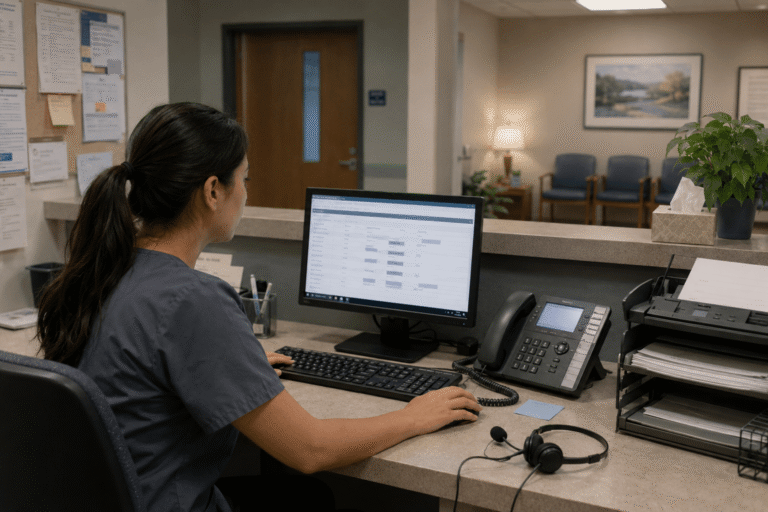
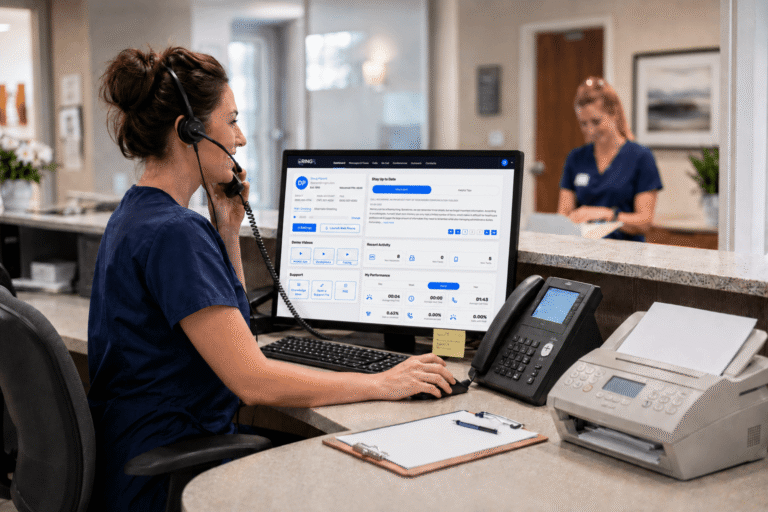
Small and independent practices lose time when calls, messages, faxing, and follow-up are spread across disconnected tools. Front-desk staff end up triaging everything manually, physicians get pulled into routine admin work, and simple communication tasks take longer than they should.
That problem adds up quickly. Missed calls, delayed follow-up, and too many handoffs can slow patient communication, create more work for staff, and add friction to the day. When communication is easier to manage in one place, practices can respond faster and stay more organized without adding another disconnected system.
Missed calls, scattered text messages, and voicemails buried in separate apps disrupt patient care and expose practices to compliance risks. They also erode patient trust, create longer waits, and waste staff time. RingRx supports HIPAA-compliant phone, text, fax, video, and on-call workflows in one platform for healthcare teams. See how RingRx can support healthcare communication in one place. Sign up for a free RingRx trial today!
Why Administrative Drag Hits Small Practices Hardest
Small practices usually run with lean staffing. Front-desk staff often handle phones, scheduling, refills, reminders, and message triage simultaneously. When volume spikes or someone is out, the strain is felt immediately.
That pressure does not stay at the front desk. Physicians and clinical staff are often pulled into routine communication tasks that take time away from patient care. The result is more interruptions, more workarounds, and less time for the tasks that actually require clinical attention.
Where Communication Workflows Break Down
Administrative overhead is not always caused by one major problem. More often, it comes from repeated small breakdowns.
- Calls go to the wrong place.
- Voicemails sit in separate systems.
- Faxing stays manual.
- Staff switch between tools to follow up with patients.
- After-hours communication has no clear path.
Each gap may seem manageable on its own. Together, they create more admin work and more opportunities for missed messages.
How a Unified Communication Setup Helps
A more unified communication setup does not remove every administrative burden. It can, however, make day-to-day work easier to manage.
When phone, text, fax, voicemail, and after-hours workflows are handled in one place, staff spend less time chasing messages across systems. Call routing can help direct issues to the right person faster. Voicemail transcription can make message review easier. Secure texting can support reminders and simple follow-up without forcing staff into another tool.
That kind of improvement matters most in small practices, where even modest reductions in communication friction can make the workday easier to manage.
What Small Practices Should Look For
For most small practices, the question is not whether a system has the longest feature list. It is whether the setup supports the way the office actually works. Look for:
- Call routing that helps separate routine and urgent communication
- After-hours handling that follows a clear path
- Secure texting and faxing in the same workflow
- Voicemail tools that are easier for staff to review
- A setup that reduces handoff gaps instead of adding more steps
- Clear pricing and support during setup
- The goal is simpler communication management, not more complexity.
Privacy and Compliance Still Matter
Small practices still need communication workflows that support HIPAA-compliant communication. Calls, texts, voicemail, and faxing should be handled through secure, access-controlled systems with the right documentation and safeguards in place.
Practices should also look for clear documentation, a signed BAA, and security features that support compliant communication workflows. That matters even more when staff are already stretched thin and relying on too many manual workarounds.
What This Looks Like Day to Day
For most practices, better communication workflows mean fewer missed calls, fewer handoff gaps, and less front-desk confusion. Staff can spend less time switching between tools and more time handling the work in front of them. That does not solve every operational problem. It does make a recurring source of administrative drag easier to control.
Choosing the Right Fit
Not every communication platform fits small-practice workflows equally well. The best option is usually the one that helps your team manage calls, messages, faxing, and follow-up more clearly without adding surprise costs or setup headaches. If the system is hard to explain, hard to manage, or hard to trust, it will likely create more work than it removes. If it is clear, organized, and built around healthcare communication needs, it can make daily operations easier to run.
Frequently Asked Questions
How can better communication workflows reduce administrative overhead in a small practice?
They can reduce missed calls, manual handoffs, and time spent switching between separate systems for calls, messages, faxing, and follow-up.
What should a small practice look for in a healthcare communication platform?
Look for call routing, after-hours handling, secure texting, faxing, voicemail tools, clear pricing, and workflows that are easier for staff to manage in one place.
Why does this matter so much for smaller practices?
Smaller teams usually have less room for inefficiency. When communication breaks down, the extra work often lands on the same few staff members.
Disclaimer: The above helpful resources content contains personal opinions and experiences. The information provided is for general knowledge and does not constitute professional advice.
You may also be interested in: Texting vs. Calling: What Patients Really Want in 2025
Missed calls, scattered text messages and voicemails buried in separate apps disrupt patient care and expose practices to compliance risks. Erodes patient trust, longer waits and wasted staff time. RingRx changes that by combining voice, secure texting, fax, video visits, and on-call scheduling into one intuitive, fully HIPAA-compliant platform designed specifically for medical workflows. See how your practice can grow, run more smoothly, and deliver a better experience for every patient. Sign up for a free RingRx trial today!
Powered by flareAI.co